An AI background generator that leaves your subject alone
Describe a place, such as “a marble pedestal with peonies” or “a sunlit café”, or show a photo of one. The AI paints the scene around your subject with matching light and a natural shadow, and your subject stays exactly as you photographed it.
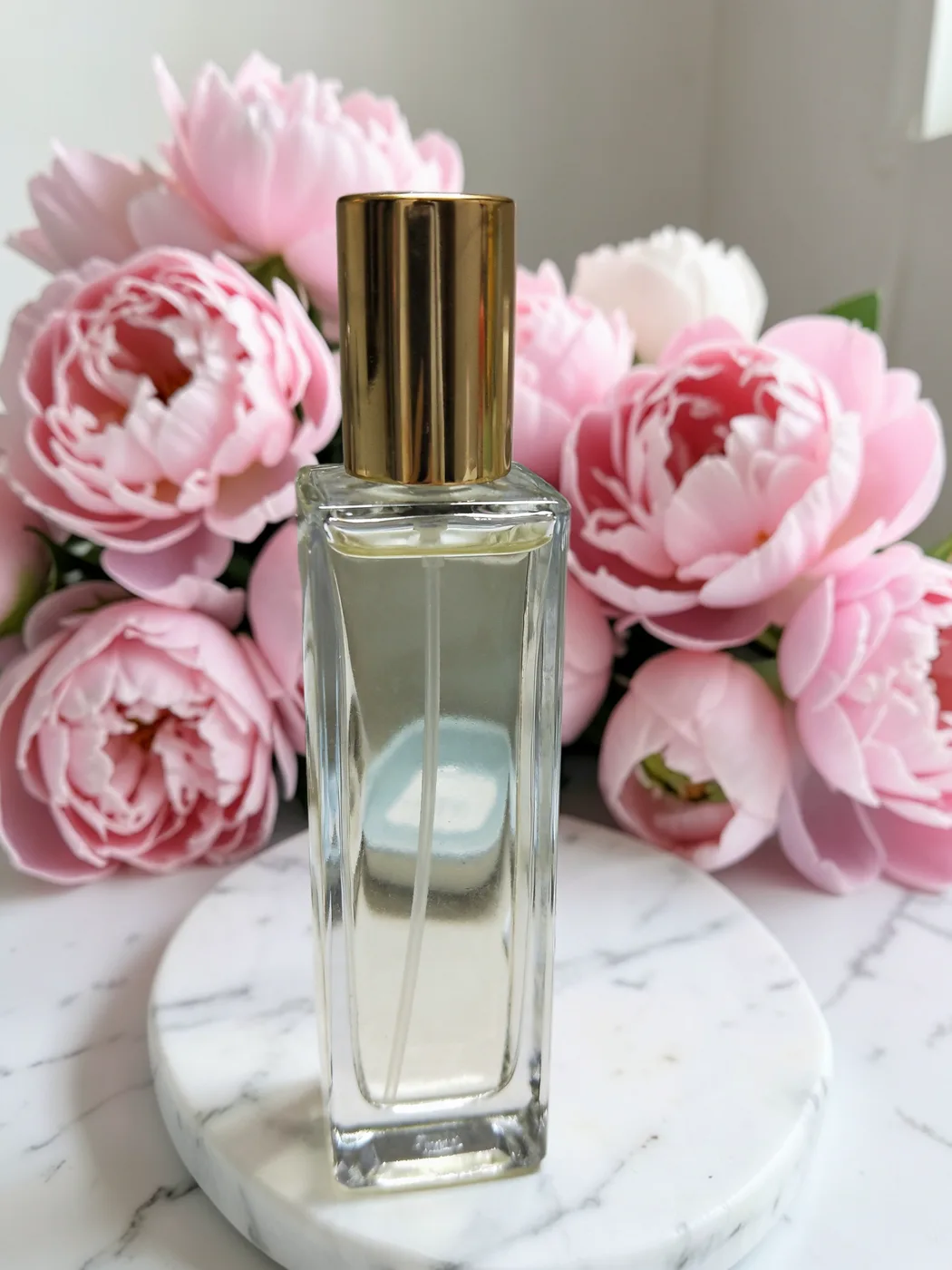
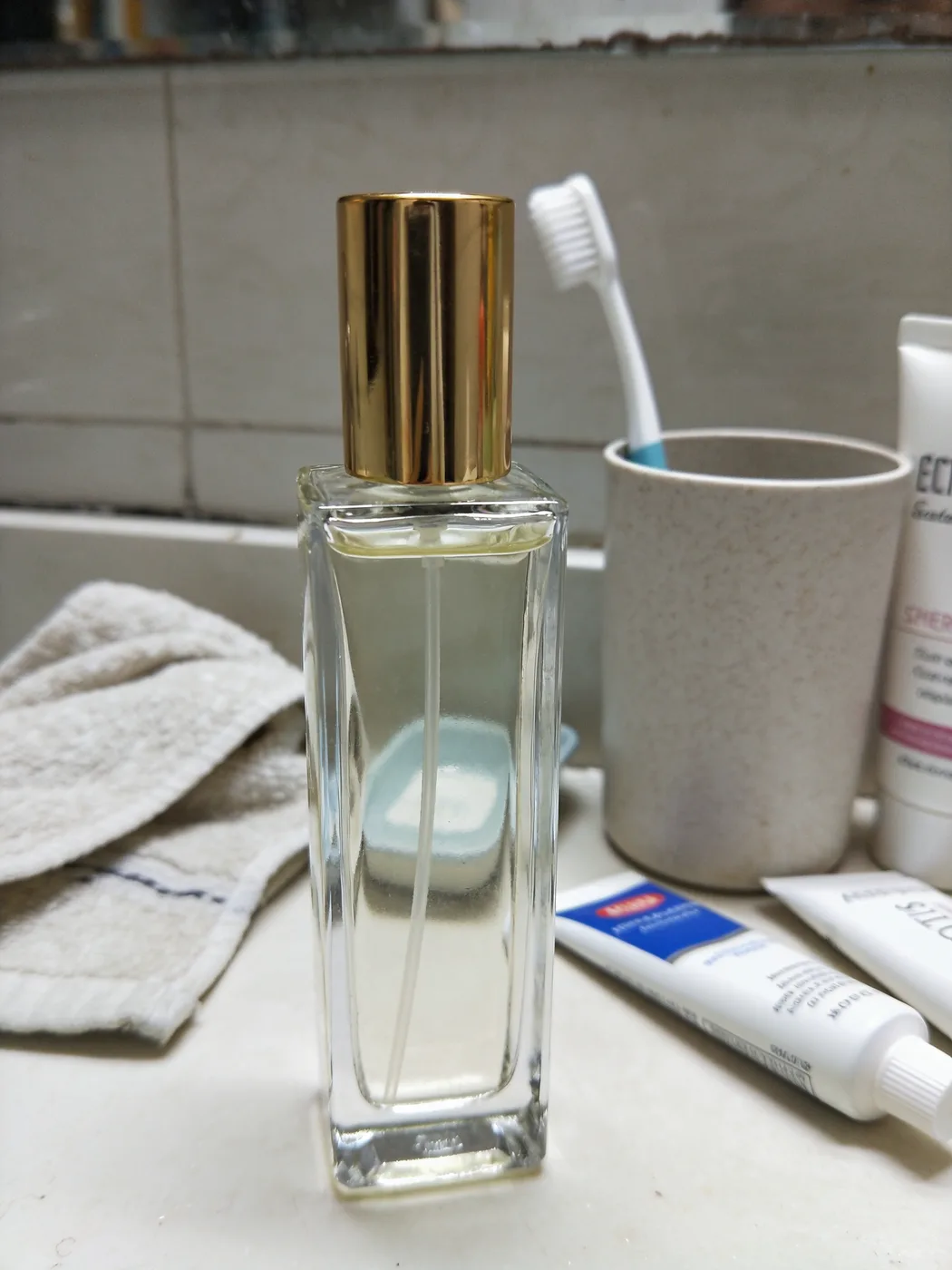
How it keeps your subject unchanged
Three steps happen every time:
- Your subject is cut out, down to fine edges like hair.
- The AI paints a new background around it from your description.
- Your original photo is drawn back on top through the cut-out, so the subject’s pixels are the ones you took.
Describe it, or show it
Write a few words, pick one of the suggestions, or upload a photo of a place and let the AI place your subject in it. You can add words to a reference photo too, such as “at sunset”.
Every scene you make stays with the photo, so you can switch between them and compare.
Our own models
The AI runs on our own models on our own GPU servers. Your photos are never sent to an outside AI service, and they are never used to train AI.
Questions
Does the AI change my product?
No. ReplaceMyBG cuts your subject out, lets the AI paint only the background, then puts your original pixels back on top. The shape, colours, logos, labels and text are exactly as you photographed them.
How long does an AI background take?
Usually 5 to 15 seconds once the service is warm. The first one after a quiet period can take longer while a GPU starts.
Are my photos used to train AI?
No. Your photos, descriptions and results are never used to train AI models, ours or anyone else’s.
How much does an AI background cost?
Every new account gets one free. After that an AI scene uses 5 credits; plans start at $9 a month for 100 credits.
Change the background. Never the product.
Every approved account gets 5 cutouts and 1 AI scene free. It runs in the browser on your phone or computer.
Create a free accountMore ways to use it
- Product photosPut any product photo on a white studio, a colour or an AI-made scene. Your product keeps its original pixels: no redrawn logos, labels or colours.
- Car photosPut a car photographed on the street into a clean showroom or studio. The car stays exactly as it is: same paint, badges, wheels and plates.
- Remove backgroundRemove the background from a photo and save a transparent PNG at full resolution. Clean edges down to single hairs, with a brush to touch up.
- HeadshotsTurn a photo taken anywhere into a clean headshot: plain colour, soft blur or a studio. Your face and clothes stay exactly as photographed.
- Video backgroundsRemove the background from a video up to 60 seconds: transparent, green screen, a colour, blur or a new backdrop. The subject is never redrawn.